
- Resources
- Blog
- Zoho Workplace Login: How to sign in and access your business applications
Zoho Workplace Login: How to sign in and access your business applications

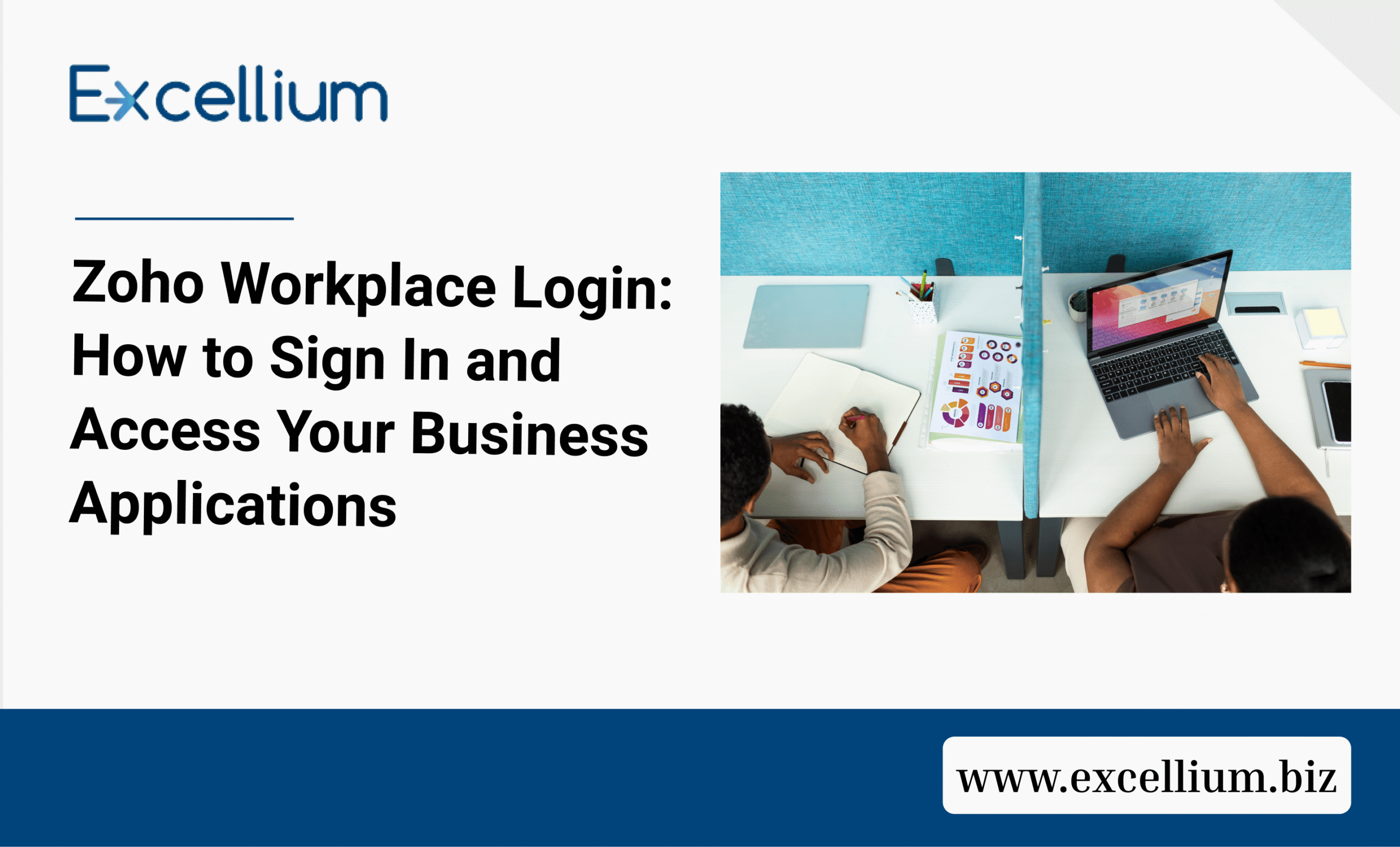
Zoho Workplace login made easy. Learn how to sign in, access Zoho Mail and other business applications, fix login problems, and get support from Excellium Business Limited.
Businesses need reliable tools to manage emails, documents, meetings, team communication, and everyday operations. Zoho Workplace brings these essential business applications together in one integrated platform.
If your organisation already uses Zoho Workplace, accessing your account is straightforward. However, knowing the correct login process, understanding how to access individual applications, and resolving common sign-in problems can help your team work without unnecessary interruptions.
In this guide, we explain how to log in to Zoho Workplace, access its applications, troubleshoot common login problems, and keep your business account secure.
How to Log In to Zoho Workplace
To access your Zoho Workplace account, follow these simple steps:
- Visit the official Zoho Workplace website.
- Click the Sign In option.
- Enter your registered Zoho email address or username.
- Enter your password.
- Click Sign In to access your account.
If your organisation manages your Zoho Workplace account, use the login credentials provided by your administrator.
Important: If you are signing in for the first time, your organisation’s administrator may require you to change your temporary password or configure multi-factor authentication (MFA).
How to access Zoho Workplace applications after Login
One of the advantages of Zoho Workplace is that it provides access to multiple business applications through a centralised dashboard.
Once you successfully log in, you can access several applications without signing in separately each time.
Here are some of the applications available:
1. Zoho Mail
Zoho Mail provides professional business email services that allow organisations to communicate using their custom domain names.
For example, employees can use email addresses such as info@yourcompany.com instead of relying on personal email accounts.
2. Zoho WorkDrive
Zoho WorkDrive provides cloud-based file storage and collaboration. Teams can store, organise, share, and work on business documents from a central location.
3. zoho writer, sheet and show
These applications help employees create and collaborate on business documents, spreadsheets, and presentations.
- Zoho Writer: Create and edit documents.
- Zoho Sheet: Manage spreadsheets and analyse data.
- Zoho Show: Create and present business presentations.
4. Zoho Cliq
Zoho Cliq supports team messaging and workplace communication. Employees can exchange messages, collaborate, and stay connected throughout the workday.
5. Zoho Meeting
Zoho Meeting allows businesses to organise online meetings and webinars, making communication easier for remote and distributed teams.
6. Zoho Connect
Zoho Connect provides an internal collaboration platform where employees can share updates, communicate, and engage with colleagues.
Common Zoho Workplace Login Problems and How to Fix Them
Although accessing Zoho Workplace is generally straightforward, users may occasionally experience login difficulties.
Here are some common problems and possible solutions.
1. Incorrect username or password
If you receive an incorrect login details notification, check that you have entered the correct email address and password.
Pay attention to spelling, spaces, and uppercase or lowercase characters.
If you cannot remember your password, use the password recovery option on the Zoho Accounts sign-in page.
2. Unable to access your business email
If you can log in but cannot access your business email, your organisation’s administrator may need to check your account status, licence assignment, or email configuration.
Contact your IT administrator for assistance.
3. Multi-factor authentication (MFA) Issues
Zoho may require an additional verification step when signing in.
Depending on your account configuration, this may involve Zoho OneAuth, an authenticator-generated OTP, or a registered security key.
If you cannot complete verification, check your registered authentication method or contact your administrator.
4. Account not found
If Zoho does not recognise your login details, confirm that your organisation has created your user account.
Your administrator should verify that your account has been added to the organisation and that you are using the correct login credentials.
5. Browser-related login problems
Sometimes, browser settings or stored cookies can interfere with the login process.
Try the following:
- Refresh the login page.
- Clear your browser cache and cookies.
- Try another supported browser.
- Disable browser extensions temporarily.
- Check your internet connection.
If the issue continues, contact Zoho support or your organisation’s administrator.
How to keep your Zoho Workplace account secure
Business communication and company information require proper protection. Securing your Zoho Workplace account helps reduce the risk of unauthorised access.
Consider these security practices:
- Use a strong and unique password.
- Enable multi-factor authentication.
- Avoid sharing your login credentials.
- Log out when using shared or public computers.
- Review your account’s security and active sessions.
- Be cautious of suspicious emails and links.
- Ensure employees follow your organisation’s security policies.
For organisations, administrators should also manage user permissions and access privileges appropriately.
Why businesses choose Zoho Workplace
Zoho Workplace is more than a business email platform. It brings communication, productivity, and collaboration tools together in one integrated environment.
Businesses can use it to:
- Manage professional business communication.
- Improve collaboration between departments.
- Store and share documents.
- Organise online meetings.
- Support remote and hybrid working.
- Reduce the need to switch between disconnected productivity tools.
For growing organisations, having these capabilities in one platform can make everyday business activities easier to coordinate.
Need help setting up or managing Zoho Workplace?
Logging in is only the first step towards getting the most out of Zoho Workplace.
Businesses also need proper configuration, user management, domain verification, email migration, and ongoing technical support to ensure the platform works effectively.
Excellium Business Limited helps businesses implement and manage technology solutions that support productivity, communication, and business growth.
Whether your organisation is setting up Zoho Workplace for the first time, migrating from another email platform, or experiencing difficulties with its existing configuration, professional guidance can help you get started.
Our team can assist with your Zoho Workplace requirements and help your organisation make better use of its business productivity tools.
Ready to get started with Zoho Workplace?
Contact Excellium Business Limited today to discuss your business requirements and discover how Zoho solutions can support your organisation.
Visit: https://excellium.biz/
Frequently asked questions (FAQs)
1. Where can I log in to Zoho Workplace?
You can access Zoho Workplace through the official Zoho website at https://www.zoho.com/workplace/. Select Sign In and enter your registered account credentials.
2. Can I access Zoho Workplace on my mobile phone?
Yes. Zoho Workplace applications are available through mobile applications for supported Android and iOS devices. You can also access supported services through a mobile browser.
3. Can I use one login for all Zoho Workplace applications?
Yes. Zoho Workplace supports single sign-on across its integrated applications. After signing in, you can navigate between available applications without repeatedly entering your login details.
4. What should I do if I forget my Zoho Workplace password?
Visit the Zoho Accounts sign-in page and select the password recovery option. Follow the instructions to reset your password. If your account is managed by your organisation, you can also contact your administrator.
5. Why can’t I access Zoho Workplace after logging in?
Possible reasons include account restrictions, missing application licences, configuration issues, or administrator-controlled access permissions. Contact your organisation’s administrator to investigate the issue.
6. Is Zoho Workplace suitable for small businesses?
Yes. Zoho Workplace offers integrated communication and productivity applications that can help small and growing businesses manage business emails, documents, meetings, and team collaboration.
7. Can Excellium Business Limited help my organisation set up Zoho Workplace?
Yes. Excellium Business Limited can assist businesses with Zoho-related implementation and support requirements. Contact the team to discuss the services your organisation needs.
Final Thoughts
Accessing Zoho Workplace should be a simple process. With the right login credentials and account configuration, employees can conveniently access the tools they need to communicate, collaborate, and complete their daily tasks.
If your organisation needs assistance with Zoho Workplace implementation, configuration, or support, Excellium Business Limited can help you take the next step towards a more connected and productive workplace.
Table of Contents
Ready to Transform the Way Your Business Operates?
Recommended for You
What is the difference? In-house payroll: Payroll outsourcing: A mixed approach: When keeping payroll in-house may suit you When outsourcing

So, how do you know when your business has outgrown excel? Why this matters What to consider Why This matters
Build a More Connected Digital Workplace
Empower your teams with modern communication, collaboration, and productivity tools designed for today’s workplace. Partner with Excellium to build a secure, connected digital workplace with Zoho Workplace.